
Links
A switchboard:// link opens Switchboard on New session with the project and prompt filled in, or jumps to a session. Put links in runbooks, alerts, READMEs, issue templates, or Raycast and Alfred scripts, or open them from a shell.
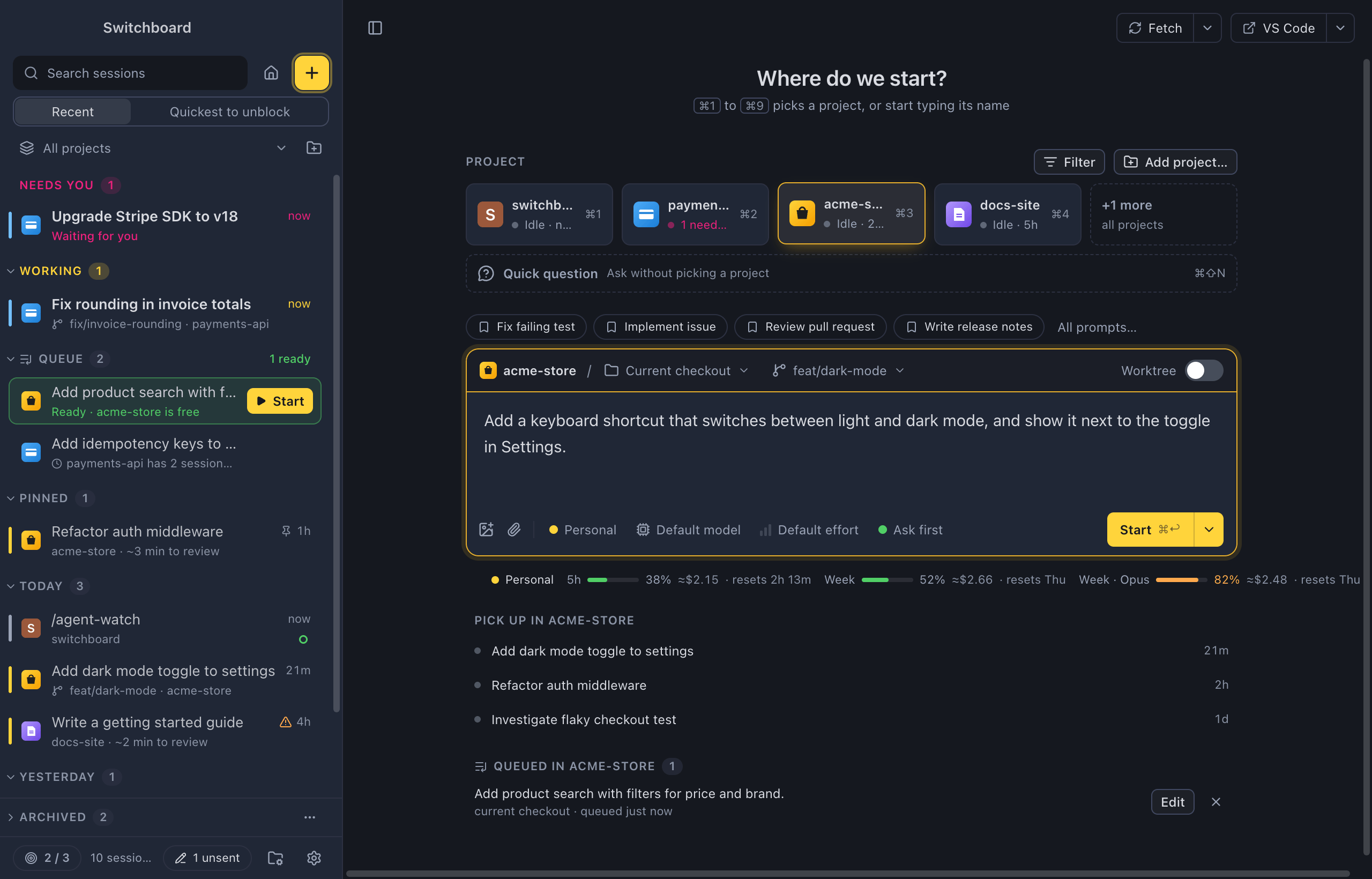
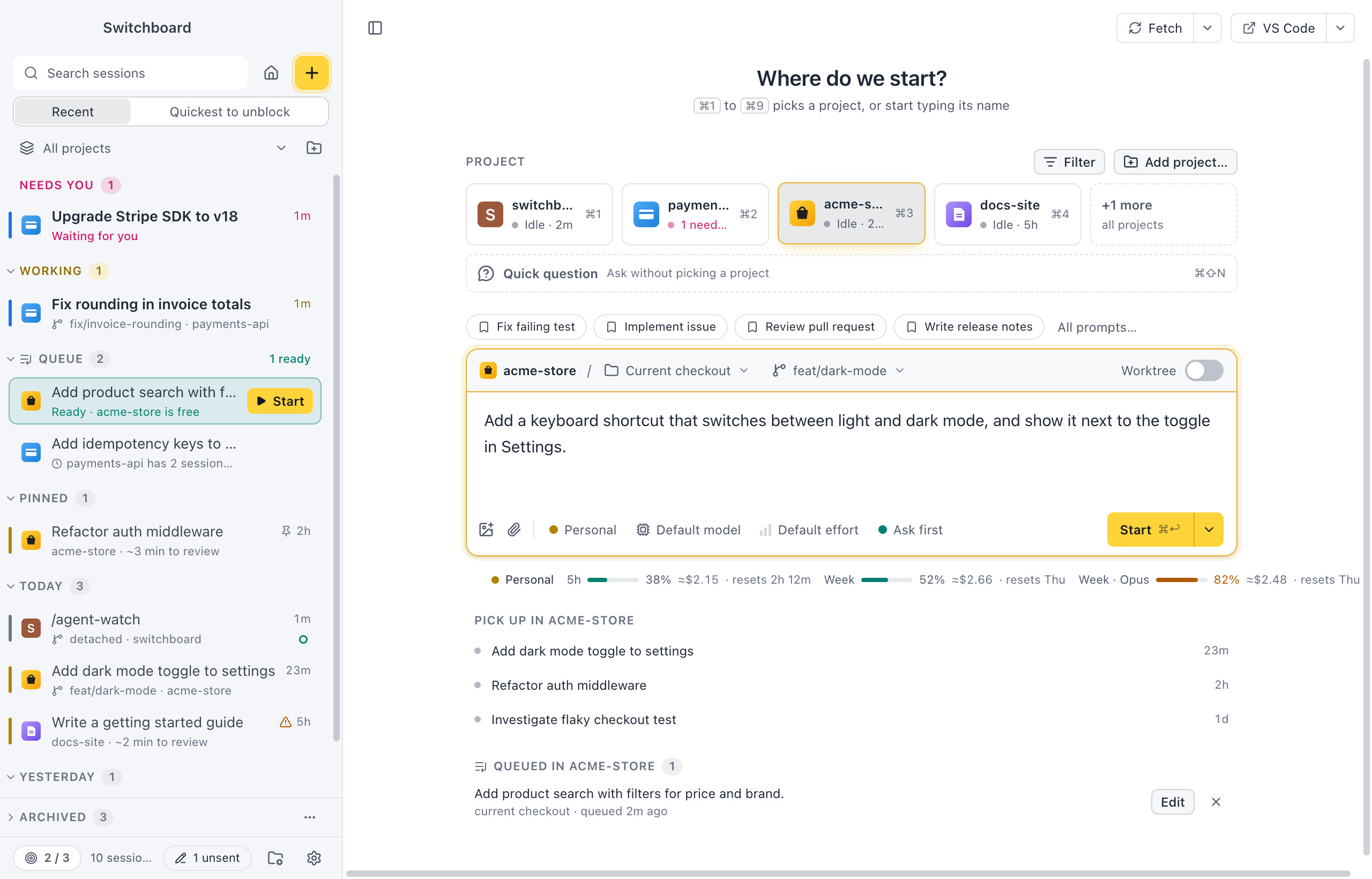
Open a link
Section titled “Open a link”- Click it wherever links work: a browser, a chat message, a Markdown preview.
- From a shell, with openStart-Process: see From a shell.
If Switchboard isn’t running, the link starts it and waits until the window is ready. If it is running, its window comes to the front.
Start a new session
Section titled “Start a new session”switchboard://new-session?prompt=Investigate%20the%20failed%20deploy&cwd=/Users/me/dev/paymentsswitchboard://new-session?project=payments&prompt=What%20changed%20this%20week%3Fswitchboard://new-session?repo=acme/payments&prompt=Review%20the%20open%20pull%20requests&autostart=1switchboard://new-session?question=1&prompt=How%20do%20I%20undo%20a%20git%20rebase%3F| Parameter | What it does |
|---|---|
prompt (or q) |
Text for the message box, URL-encoded. Use %0A for a new line. At most 5,000 characters. |
project |
One of your projects, by its name in Switchboard (or its folder’s name), ignoring case. A name that isn’t one of your projects is refused. |
cwd |
The absolute path of the folder to start in: /Users/me/dev/paymentsC:\Users\me\dev\payments (or C:/Users/me/dev/payments), URL-encoded. |
repo |
A GitHub repository as owner/name. Switchboard looks for a checkout of it among your projects, then among the other folders you’ve used Claude Code in. |
autostart |
1 (or true) starts the session right away. Leave it out (or use 0) to fill in New session and wait for you. |
question |
1 (or true) makes it a quick question: no project. cwd, project and repo are then ignored. |
issue |
An issue of the project: its number (32, or %2332 for #32) or its link on GitHub. New session opens filled in from it. Needs project, repo or cwd. |
pr |
A pull request of the project, the same way: pr=151, or its link. A link has issue or pr, not both. |
Every parameter is optional. When a link has more than one of cwd, project and repo, cwd wins, then project, then repo. A link that names no folder doesn’t guess: the folder stays empty and the project list opens so you can pick one.
Model, effort, permission mode and the worktree choice come from the project’s defaults (or your last choices), as when you press Command, NControl, N. A link can’t set them.
repo makes a link work for everyone on a team, wherever they cloned the repository.
When none of your folders is a checkout of the repo and Clone from GitHub is on, the line above the message box offers Clone owner/name. It clones the repository into your Clone into folder and keeps the link’s prompt. You press Start yourself, even when the link says autostart: a link never clones and starts on its own.
Starting on its own
Section titled “Starting on its own”With autostart=1, the session starts as soon as its folder is found. It only starts when the link has a prompt and a folder; otherwise it waits for you like any other link.
A session started by a link never runs in a mode that skips permission prompts. It uses the project’s saved default mode, or the default mode (ask before edits). Auto mode, Don’t ask and Bypass permissions never apply, so Claude still asks before it edits files or runs commands, unless the project’s default is Accept edits or Plan mode.
From an issue or pull request
Section titled “From an issue or pull request”switchboard://new-session?project=switchboard&issue=32switchboard://new-session?repo=estruyf/switchboard&pr=151New session opens as New session from issue… does: a new worktree named after the issue, its chip above the message box, and “Fix #32: …” in the box (or the link’s prompt). A banner on top says Opened from a link with issue #32. Check the prompt, then start.
These links never start a session on their own: anyone can write an issue’s text. With autostart=1 as well, the banner adds Links with an issue or pull request never start on their own. An issue from another repository than the project’s is refused. See GitHub issues and pull requests.
Open a session
Section titled “Open a session”switchboard://session/0b9a7c1e-1234-4abc-9def-001122334455This shows that session, as if you picked it in the sidebar. To get a session’s ID, right-click it in the sidebar and choose Copy session ID, or run Copy session id in the command palette (Command, K or Command, Shift, PControl, K or Control, Shift, P).
Examples
Section titled “Examples”From a shell
Section titled “From a shell”open "switchboard://new-session?cwd=$PWD&prompt=Why%20are%20the%20tests%20failing%3F"That works while the folder’s path has no spaces or other characters that need encoding. To encode any text, let jq do it (it comes with macOS 15 and later):
prompt='Summarise the last 10 commitsand list anything that looks risky.'open "switchboard://new-session?cwd=$(jq -rn --arg v "$PWD" '$v|@uri')&prompt=$(jq -rn --arg v "$prompt" '$v|@uri')"In a URL, + means a space. Write a plus sign as %2B; jq’s @uri does that for you.
In PowerShell, Start-Process opens a link, and [uri]::EscapeDataString encodes the folder and the prompt (spaces, +, & and new lines included):
$prompt = "Summarise the last 10 commits`nand list anything that looks risky."$cwd = [uri]::EscapeDataString($PWD.Path)Start-Process "switchboard://new-session?cwd=$cwd&prompt=$([uri]::EscapeDataString($prompt))"In a README or runbook
Section titled “In a README or runbook”[Ask Claude to triage a failed deploy](switchboard://new-session?repo=acme/payments&prompt=The%20last%20deploy%20failed.%20Read%20the%20CI%20logs%20and%20suggest%20a%20fix.)Some sites, GitHub among them, don’t make custom links clickable. Put the link in a code block there so people can copy it.
Raycast (Mac)
Section titled “Raycast (Mac)”Save this as ask-claude.sh in your Raycast script commands folder. It asks for a project and a prompt, and starts the session right away (drop &autostart=1 to check it first):
#!/bin/bash# @raycast.schemaVersion 1# @raycast.title Ask Claude in Switchboard# @raycast.mode silent# @raycast.argument1 { "type": "text", "placeholder": "Project" }# @raycast.argument2 { "type": "text", "placeholder": "What should Claude work on?" }uri() { jq -rn --arg v "$1" '$v|@uri'; }open "switchboard://new-session?project=$(uri "$1")&prompt=$(uri "$2")&autostart=1"Alfred (Mac)
Section titled “Alfred (Mac)”Add a Keyword input with an argument, connect it to a Run Script action (language /bin/bash, with input as argv) and use this script. Typing claude payments fix the flaky checkout test fills in New session in the payments project: the first word is the project, the rest is the prompt.
read -r project prompt <<< "$1"uri() { jq -rn --arg v "$1" '$v|@uri'; }open "switchboard://new-session?project=$(uri "$project")&prompt=$(uri "$prompt")"From an alert
Section titled “From an alert”Most alerting tools can add a link to a notification. Point it at the service’s repository and describe the alert in the prompt:
switchboard://new-session?repo=acme/payments&prompt=Alert%3A%20p95%20latency%20above%202s%20on%20checkout.%20Look%20at%20recent%20changes%20to%20the%20checkout%20path.Links Switchboard refuses
Section titled “Links Switchboard refuses”Links can come from any web page or chat message, so Switchboard checks each one before it changes anything. A link it refuses shows a short message at the bottom of the window saying why, and nothing else happens. That covers:
- an action other than
new-sessionorsession; - a prompt longer than 5,000 characters, or with control characters or invisible characters (such as zero-width spaces) that can hide text;
- a
cwdthat isn’t an absolute path, is a network location, or contains.or..; on Windows also a folder without a drive letter (\dev\payments) or with a colon after the drive; - a
projectthat isn’t one of your projects; - a
repothat isn’towner/name; - an
autostartvalue other than1,true,yes,0,falseorno; - an
issueorprthat isn’t a number,#123or its link on GitHub; both in one link; or one withoutproject,repoorcwd; - a session ID that isn’t one, or a session that isn’t on this computer.
Parameters Switchboard doesn’t know are ignored, so a link made for a newer version still opens.
When a link doesn’t work
Section titled “When a link doesn’t work”- Nothing happens. macOS sends switchboard:// links to the copy of Switchboard it knows. Move Switchboard to Applications and open it once.Switchboard registers switchboard:// links for you when it starts. Open it once from the Start menu after installing it. A build you run with npm run dev doesn't register them.
- An
autostartlink didn’t start. It needs a prompt and a folder:project,cwd, or arepoSwitchboard can find. - The folder is empty. The link names no folder, or no project or recent folder has a git remote on that
repo. Add the checkout as a project, usecwd, or choose Clone owner/name to clone it (with Clone from GitHub on). - The prompt looks wrong. Check the encoding: spaces as
%20, new lines as%0A,&as%26,#as%23,+as%2B.
Settings
Section titled “Settings”Links have no settings. What a started session uses comes from the project’s settings.
Related
Section titled “Related”- New sessionPick a project, choose where Claude works, write the first prompt and start.
- Clone from GitHubNewStart a project from a GitHub URL. Switchboard clones it into a folder you set, adds it as a project and runs your first prompt there.
- GitHub issues and pull requestsType
- Saved promptsNewSave a prompt with blanks, pick it with / or in New session, fill in the blanks and send.
- Project settingsThe Claude profile and the choices new sessions in a project start with, and its name and icon in Switchboard.